Component Group Security can be used to grant access to selected Report Definitions and for each component type. (Columns, Rows, Organizations, Account Collections)
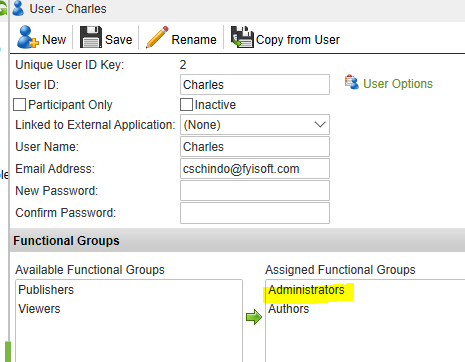
To set up this functionality the user must be assigned the Administrators role.
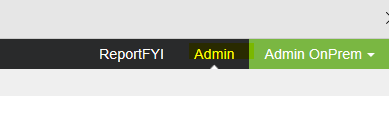
Click on the Admin tab located on the top right hand side of the application.
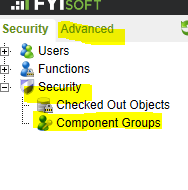
Navigate to Advanced/Security/Component Groups
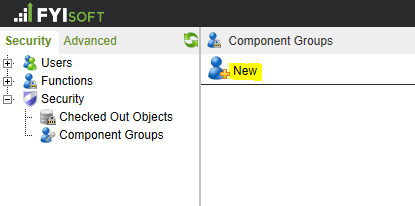
Click on “New”
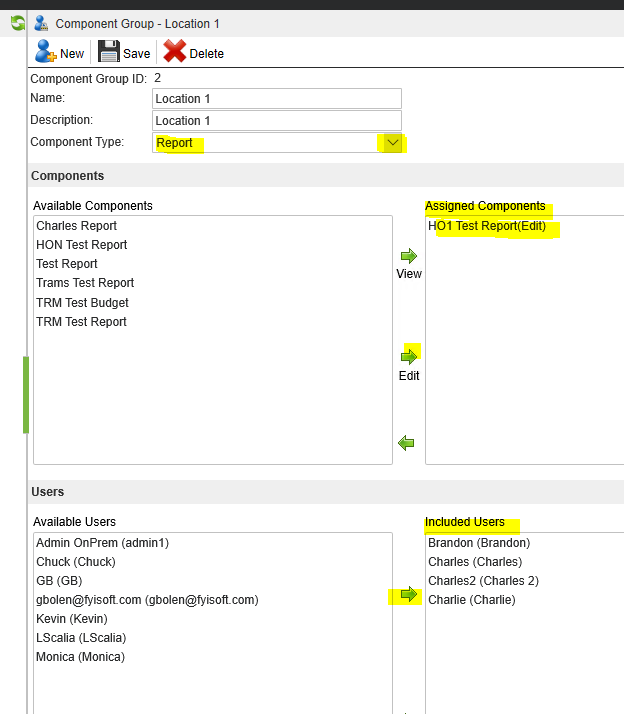
Fill out the fields for Name, Description, and select the Component Type.
Assign the Components by selecting it and clicking on the arrow.
Assign the Users by selecting them and clicking on the arrow
The next step is to make sure that the users to be included in the component group security do not have “Edit” Rights assigned in the User Options.
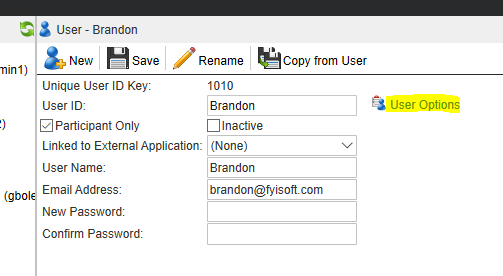
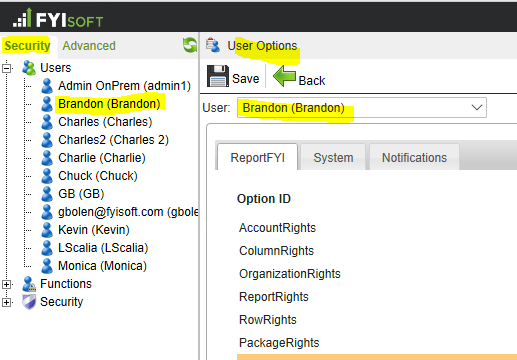
Navigate to Admin/Security/Users and select the User.
Then click on the User Options link.
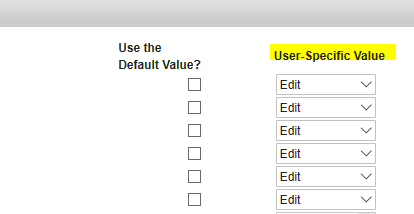
Make sure that the first 6 Options have the Use the Default Value box checked and that the Default Value is set to None.
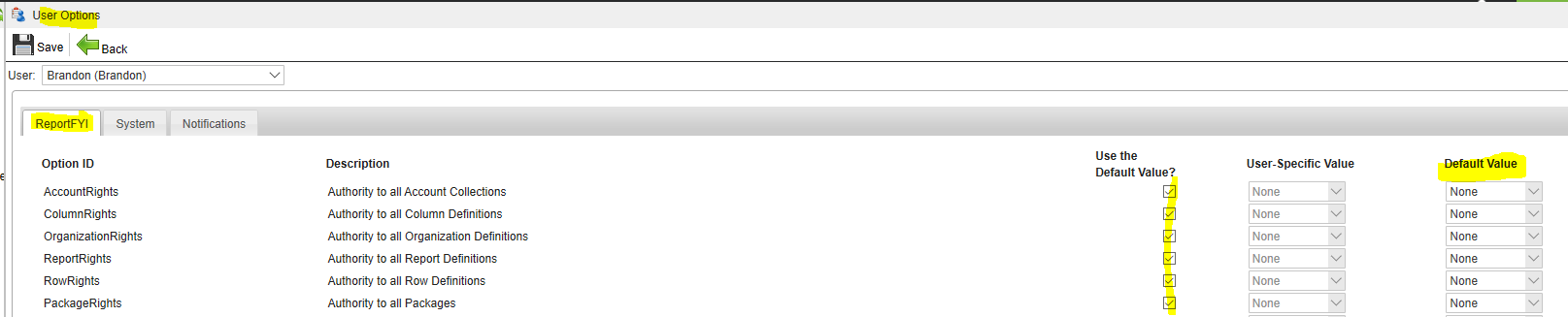
A User-Specific Value of Edit overrides the Component Group Security.
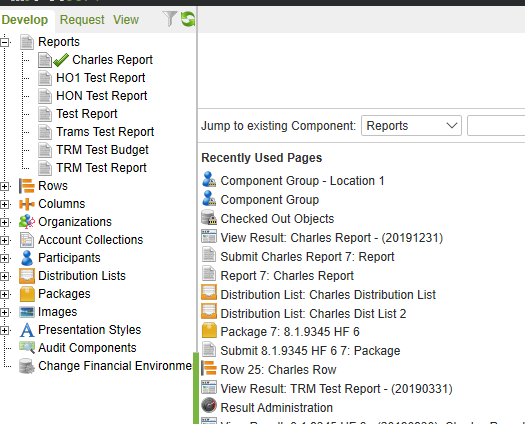
This is an example of what the user will see before the Component Group Security example shown in this document. Notice that they can see the 7 reports that have been created for the company.
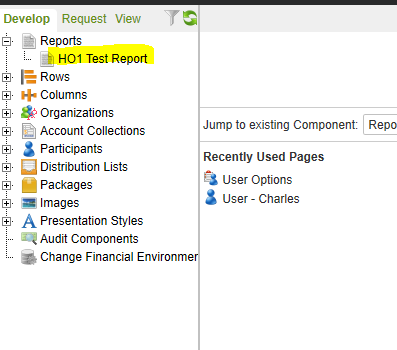
This is an example of what the user will see after the Component Group Security example shown in this document. Notice that they can see the 1 Report definition that has been assigned in the Component Group.
Develop
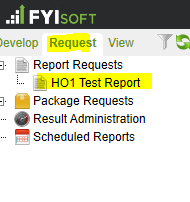
Request
Was this article helpful?
That’s Great!
Thank you for your feedback
Sorry! We couldn't be helpful
Thank you for your feedback
Feedback sent
We appreciate your effort and will try to fix the article