Log on as the RWinstall User. The User ID and Password are usually Renovo/Renovo
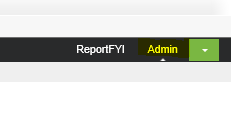
Click on Admin in the top righthand side
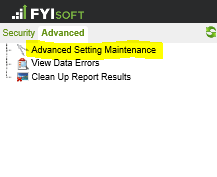
Go to Advanced/Advanced Setting Maintenance
Select the Report Folder table
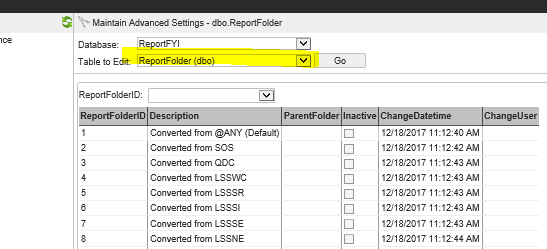
You can click on the Report Folder ID # to edit an existing folder or you can create a new folder on the right hand side.
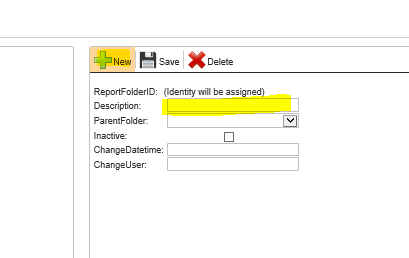
Remember to save.
The Folder will not appear in the Develop section until at least one report definition has assigned it on its general tab section.
Was this article helpful?
That’s Great!
Thank you for your feedback
Sorry! We couldn't be helpful
Thank you for your feedback
Feedback sent
We appreciate your effort and will try to fix the article